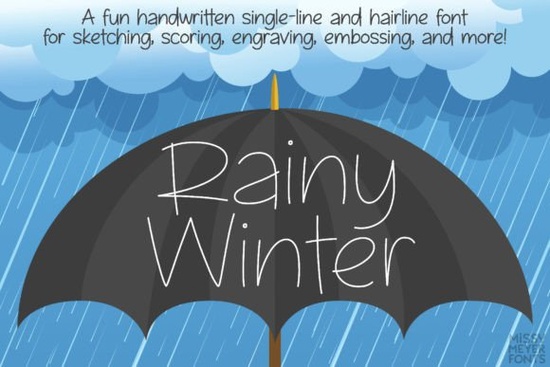
If you're looking for a unique and versatile font for your next creative project, Rainy Winter (single Line) Font is definitely worth checking out. This fun, cute, and handwritten font is perfect for a wide range of designs, from DIY crafts to professional print-on-demand products.
What Makes Rainy Winter Special?
Rainy Winter is a single-line font that was created from scratch, not based on an existing solid font. This means it's designed specifically for single-line use, making it ideal for projects that require a sketch pen, foil quill, engraving tool, or any other stylus that draws letters with a single line instead of an outline.
Features of Rainy Winter
- Over 900 glyphs: Including A-Z, a-z, numbers, punctuation, and more.
- Extra punctuation: 18 fractions and lots of additional punctuation marks.
- Extended Latin characters: 350 characters for extensive language support.
- Greek and Cyrillic characters: 100 uppercase and lowercase Greek characters, and 200 uppercase and lowercase Cyrillic characters.
- Double-letter ligatures: 40 ligatures for a natural handwritten look.
- Alternates for a/g: Choose between single- or double-storey versions.
Understanding the Two Versions: One and Two
Rainy Winter comes in two formats: One and Two. Each version serves a different purpose, depending on your specific needs and the software you're using.
Rainy Winter One
Rainy Winter One is a true single-line font, made from a single stroke from beginning to end. It's perfect for use in some CNC/specialty programs like Rhinoceros. If you're proficient in a vector design program such as Adobe Illustrator, Inkscape, or Affinity Designer, you can use this version and remove the connection between the start and end points if needed.
Rainy Winter Two
Rainy Winter Two is a hairline font, which is an outline font where the strokes are so close together that they appear as a single line. This version is meant for use in most crafting and design programs, including Silhouette Studio, Cricut Design Space, and Adobe Illustrator. It doesn’t need any tweaking or modifications; just type and go.
How to Use Rainy Winter
Using Rainy Winter is straightforward, but it’s important to understand the differences between the two versions. The PDF guide included in your download provides detailed instructions on how to select the right version and use the font in specific programs.
Software Compatibility
Rainy Winter works well in a variety of design and crafting software, including:
- Silhouette Studio
- Cricut Design Space
- Adobe Illustrator
- CorelDRAW
- Inkscape
- Affinity Designer
Note that single-line and hairline fonts aren’t suitable for word processing, printing, or cutting. They’re meant for sketch pens, foil quills, engraving tools, infusible ink pens, Glowforge scoring, or any other stylus or nib that draws letters with a single line.
Tips for Using Rainy Winter
To get the most out of Rainy Winter, here are a few tips:
- Choose the Right Version: Make sure to select the correct version (One or Two) based on your project and software requirements.
- Check the Guide: Refer to the included PDF guide for detailed instructions and troubleshooting tips.
- Experiment with Ligatures and Alternates: Use the double-letter ligatures and alternates for a/g to add a personal touch to your designs.
- Test in Different Programs: Try using Rainy Winter in various design and crafting software to see which one works best for your needs.
- Download and install Rainy Winter on your computer.
- Review the included PDF guide for usage instructions.
- Select the appropriate version (One or Two) for your project.
- Experiment with the different features, such as ligatures and alternates.
- Start creating your designs and see the magic of Rainy Winter in action.
Other Fonts You Might Like
If you enjoy using Rainy Winter, you might also appreciate these other creative fonts:
For more options, you can explore the full range of fonts available at Creative Fabrica.
Next Steps
Now that you know more about Rainy Winter, it’s time to put it to use in your next project. Here’s a quick checklist to help you get started:
Happy designing!
Download Now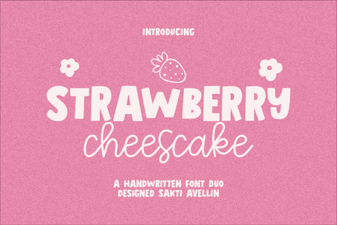 Styling Recipes with the Strawberry Chesscake Font
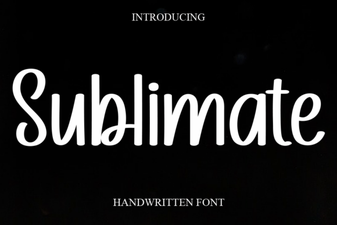 Sublimate Font: Creative Design and Typography Uses
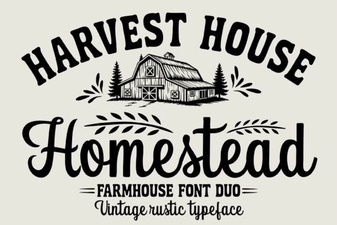 Homestead Font: the Creative Designer's Toolkit
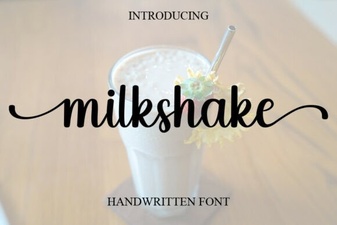 Milkshake Font for Sweet & Fun Designs
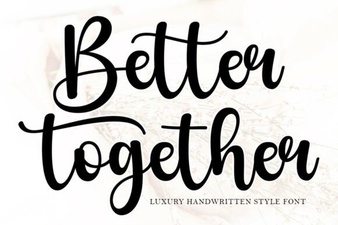 Better Together Font: Pairing Ideas for Creative Design
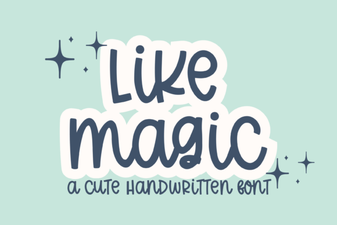 Like Magic Font: Sparking Creative Design & Usability